Aro Video On Demand: Activate on TV
Note: Stay safe — use only the official channel website and activation website.
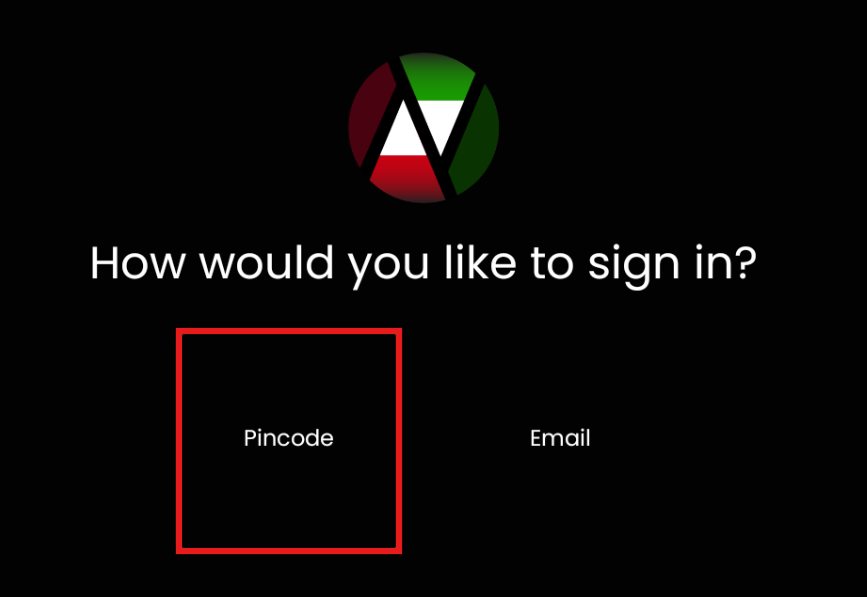
- Open the Aro Vision app on your Android Smart TV and select “Pincode.”
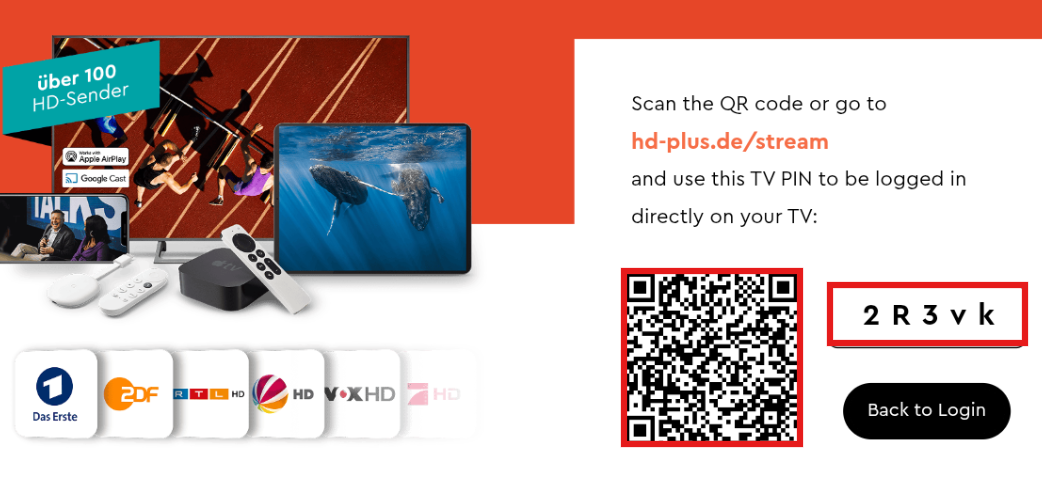
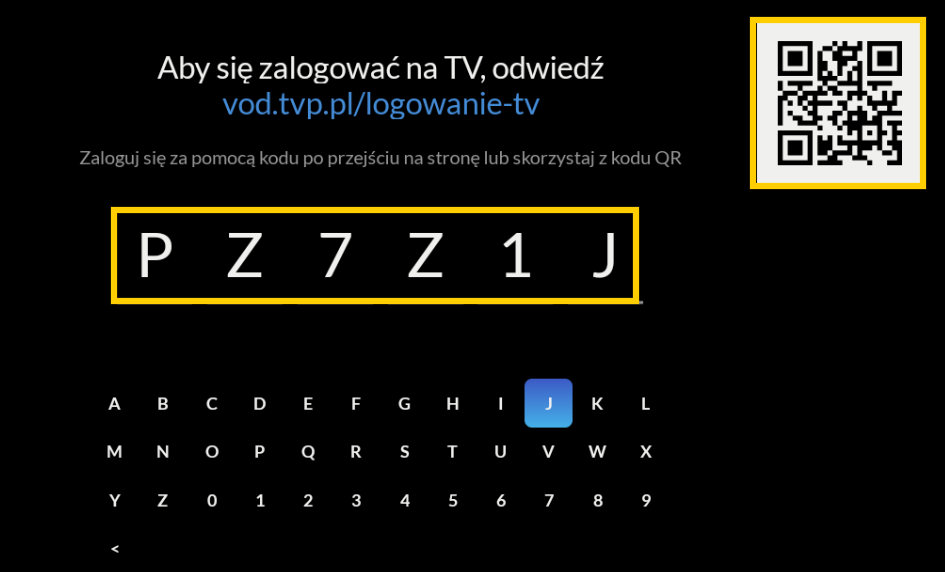
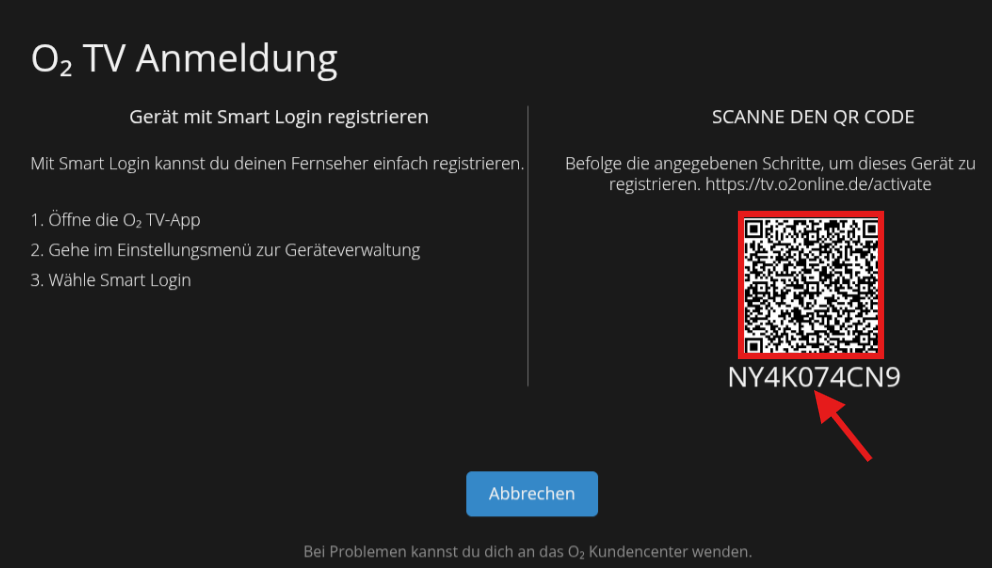
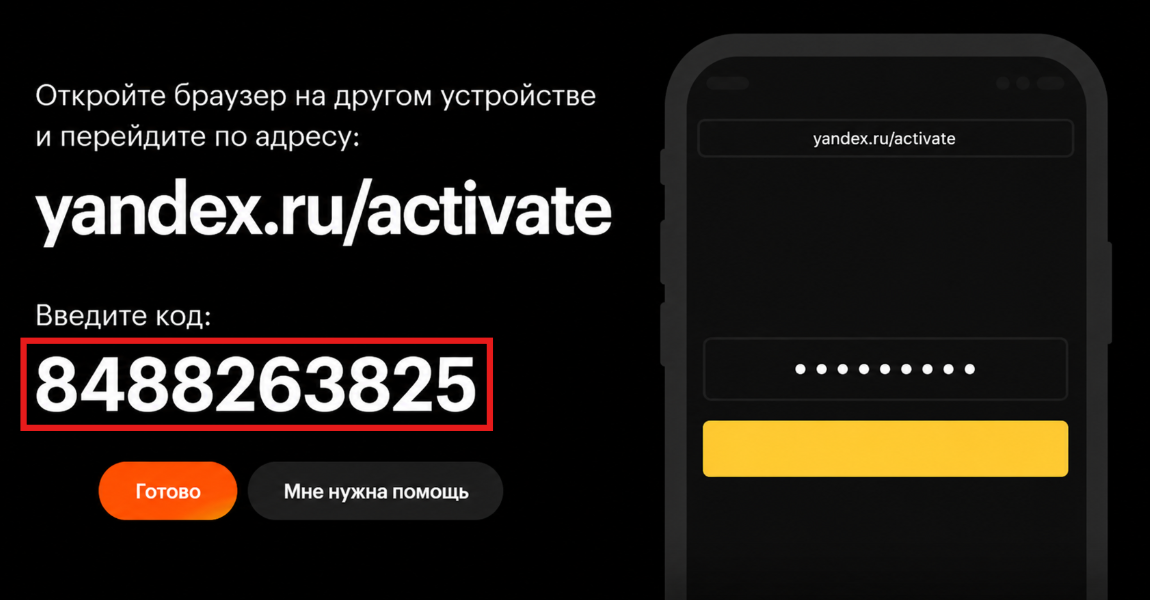
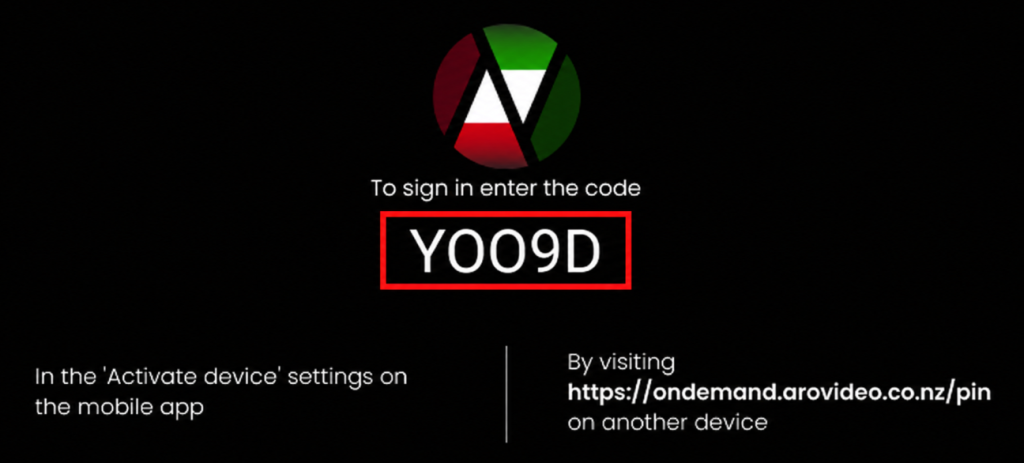
- 5-digit activation Pin will appear on your TV screen.

- Open a web browser on your phone, tablet, or computer and go to ondemand.arovideo.co.nz/pin.
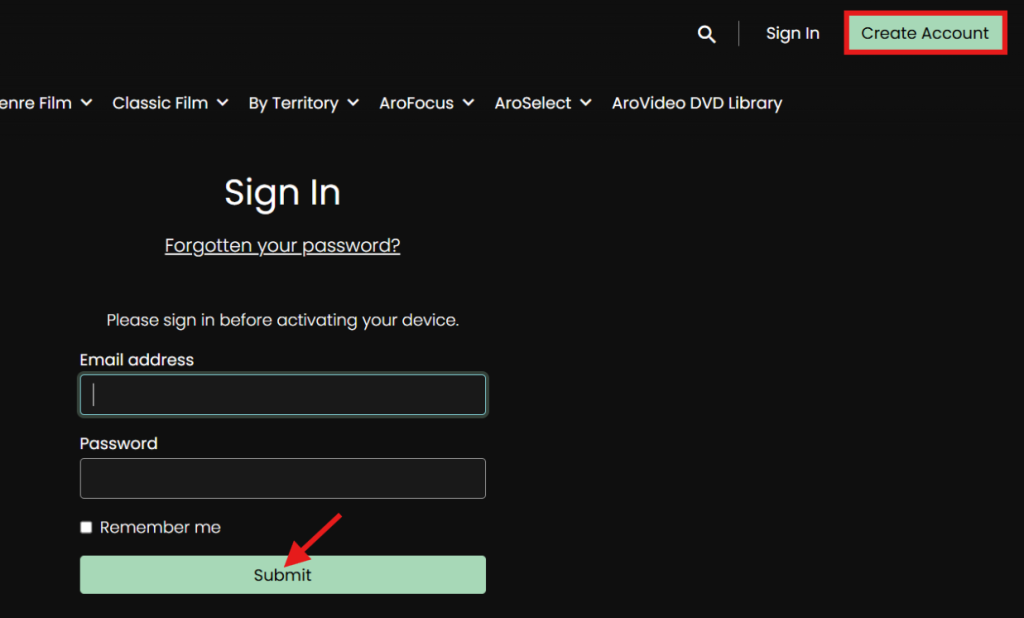
- Enter your email and password, then click “Submit.” If you don’t have an account, Select “Create Account.”
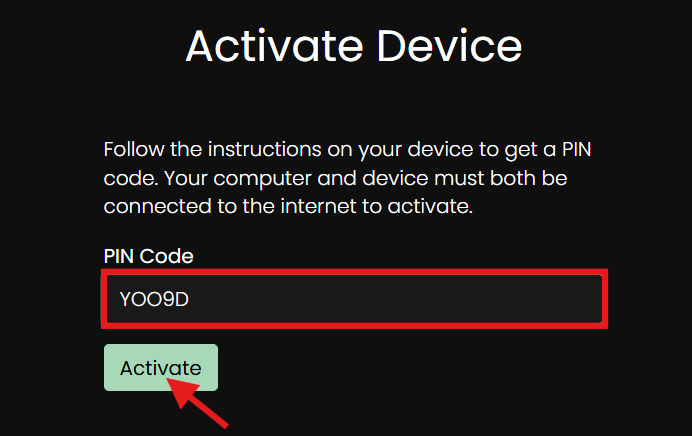
- Enter the 5-digit Pin displayed on your TV, then click “Activate”.
TV Schedule
Loading...
Loading StepsWoo