DAZN Sign In: How to Activate on TV
Note: Stay safe — use only the official channel website and activation website.
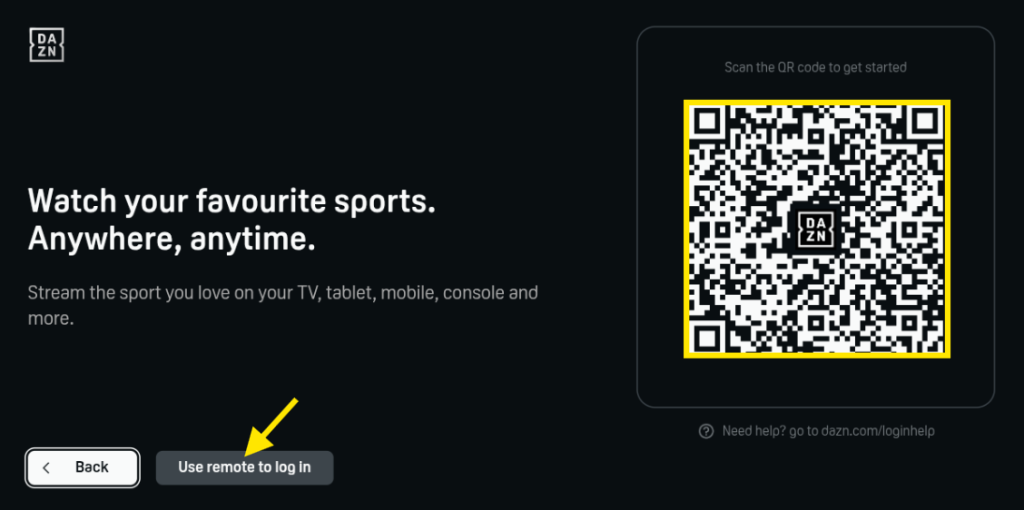
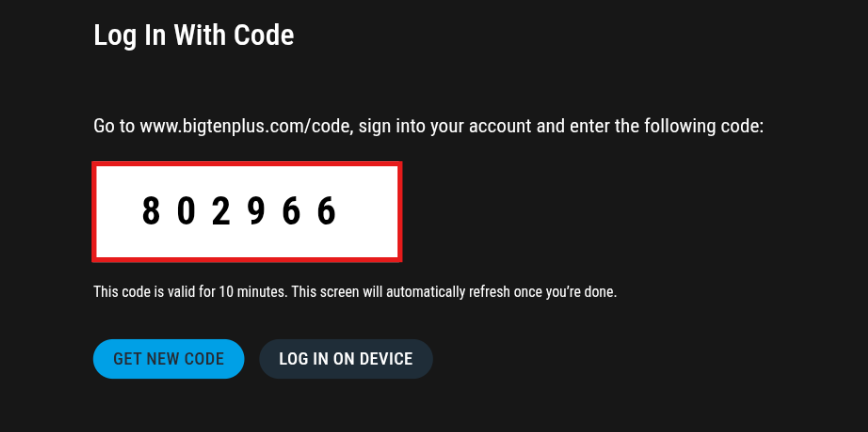
Sign in to DAZN on an Android TV using the option shown in your TV app. The screenshots below show the QR code route. DAZN also offers email and password sign-in on supported TV apps, so the screen you see may differ.
Sign in with the QR code
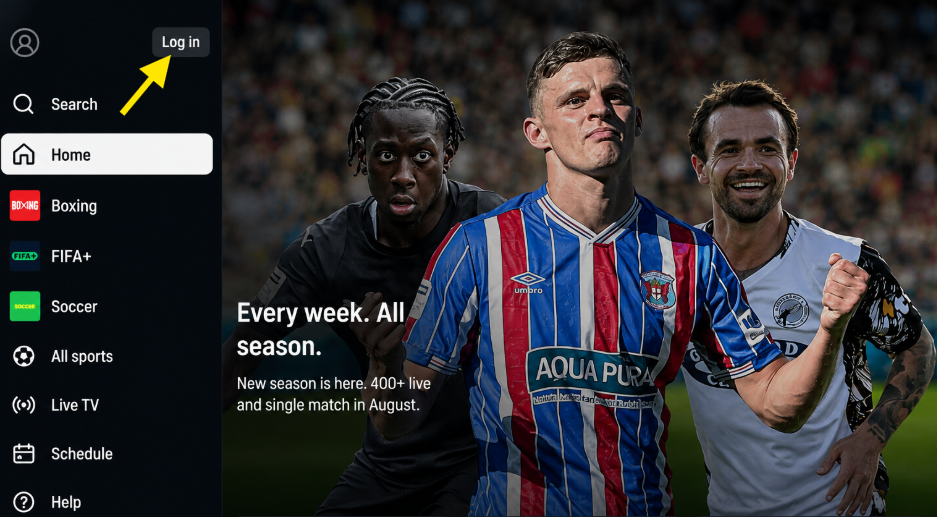
- Open the DAZN app on your Android Smart TV and select “Log in”
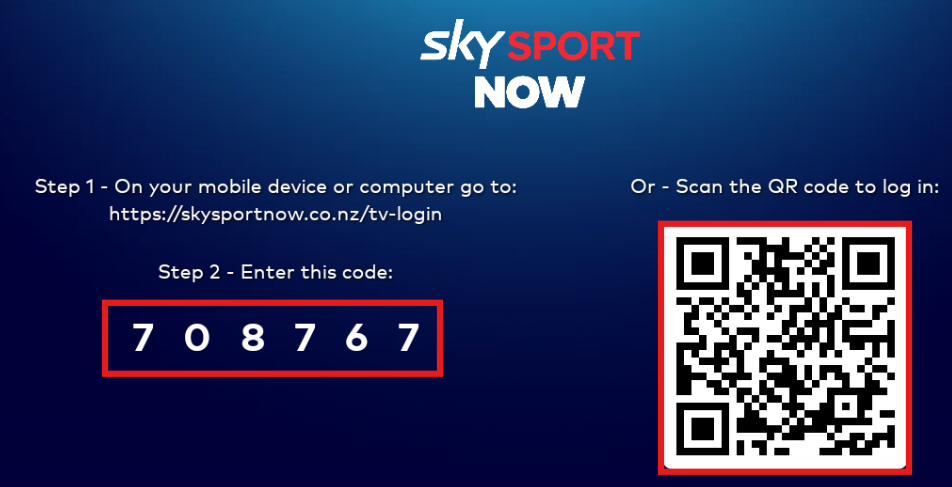
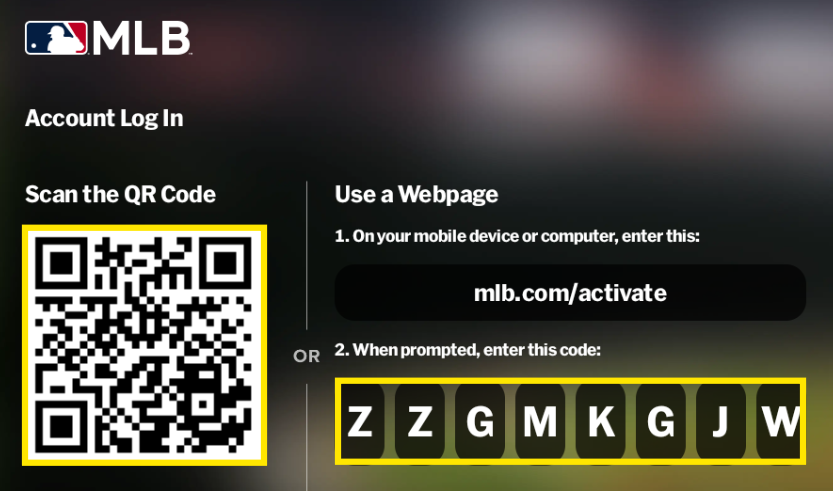
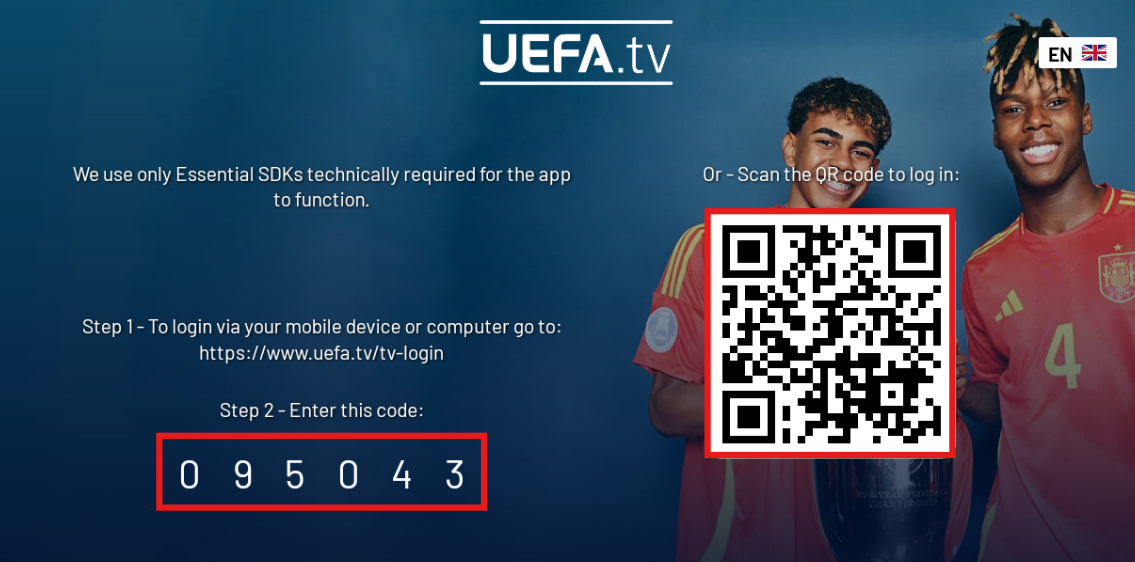
- QR code will appear on your TV screen.

- Scan the QR code with your mobile to get started or visit dazn.com/signin.
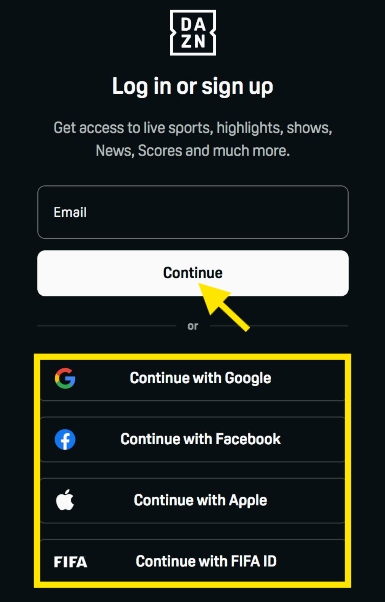
- Enter your email, then click “Continue” to sign in or Sign Up.
If the QR code or sign-in does not work
Check that your phone and TV have an internet connection. Open the DAZN app again and use the current QR code shown on the TV. If your app offers email and password instead, select that option and enter the details for your existing DAZN account. Follow any extra verification prompts displayed by DAZN.
If the app will not start or the sign-in screen does not load, update the DAZN app and your TV software, then restart the app or TV. DAZN lists these as troubleshooting steps in its official device instructions. For forgotten credentials, use DAZN’s account recovery instructions. Availability and sign-in screens can vary by device and country.