MGM+ Activation: How to Activate on TV
Note: Stay safe — use only the official channel website and activation website.
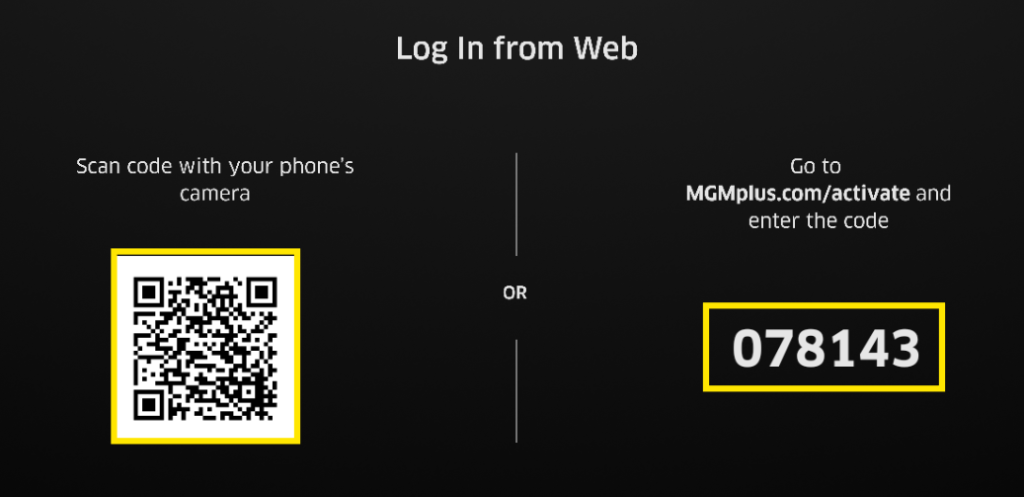
Open the MGM Plus app on your Android Smart TV and select “Log in from web.” or sign in with “Google“.” If you don’t have an account, click “don’t have an account? See offers”.
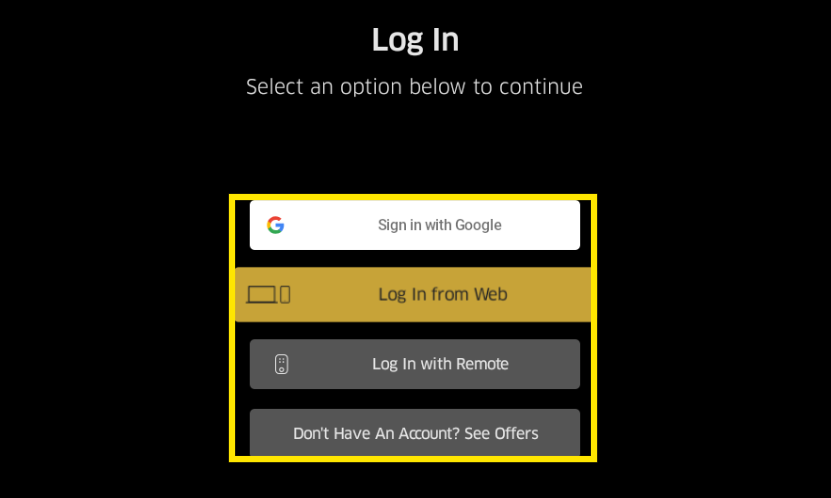
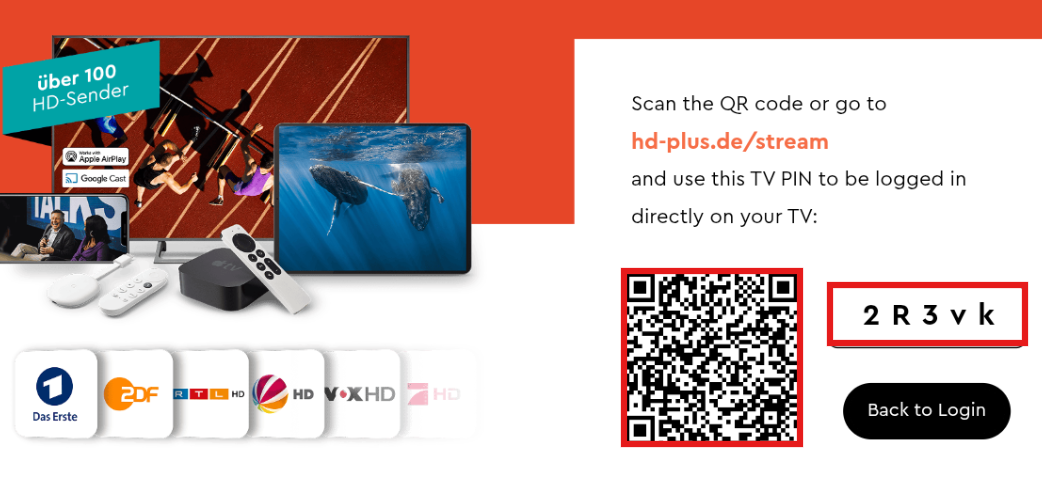
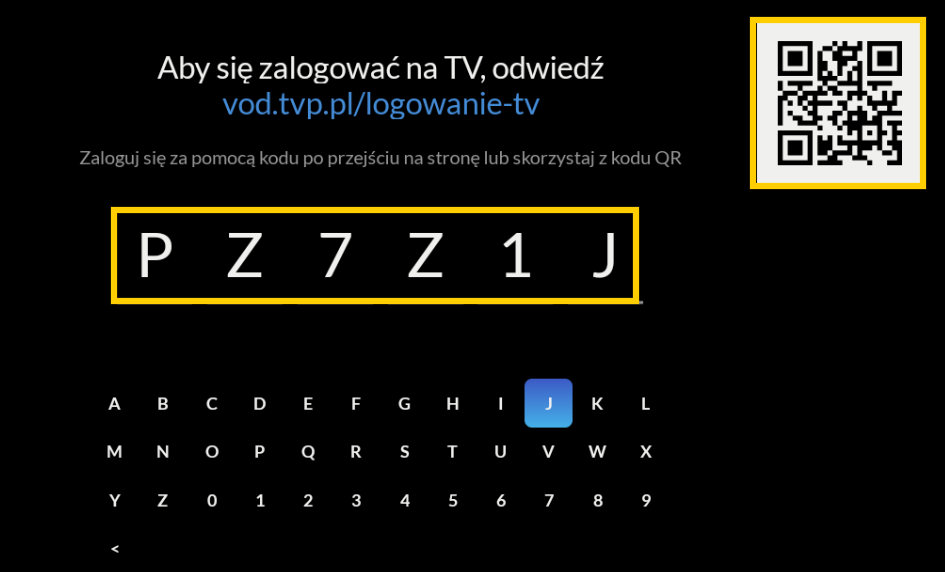
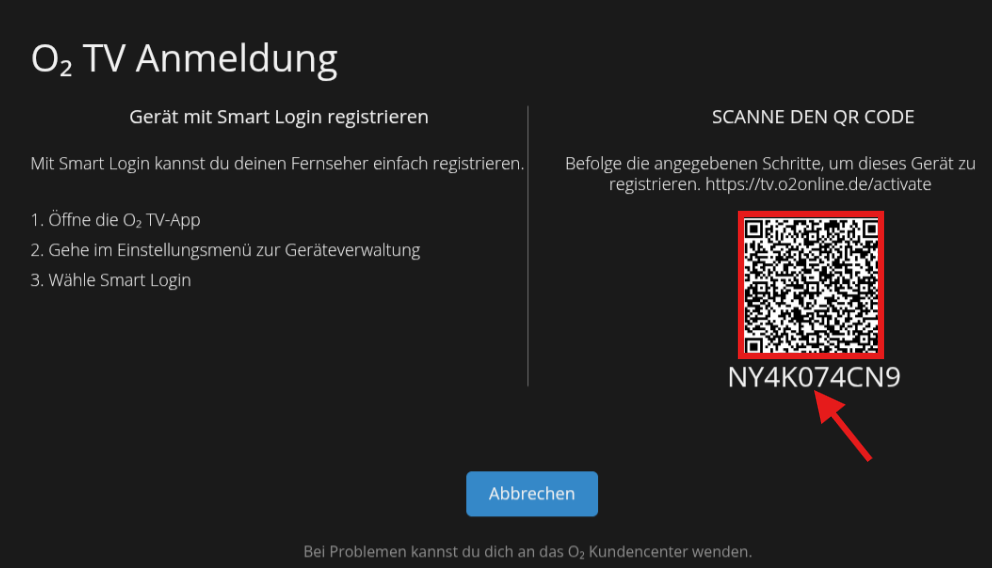
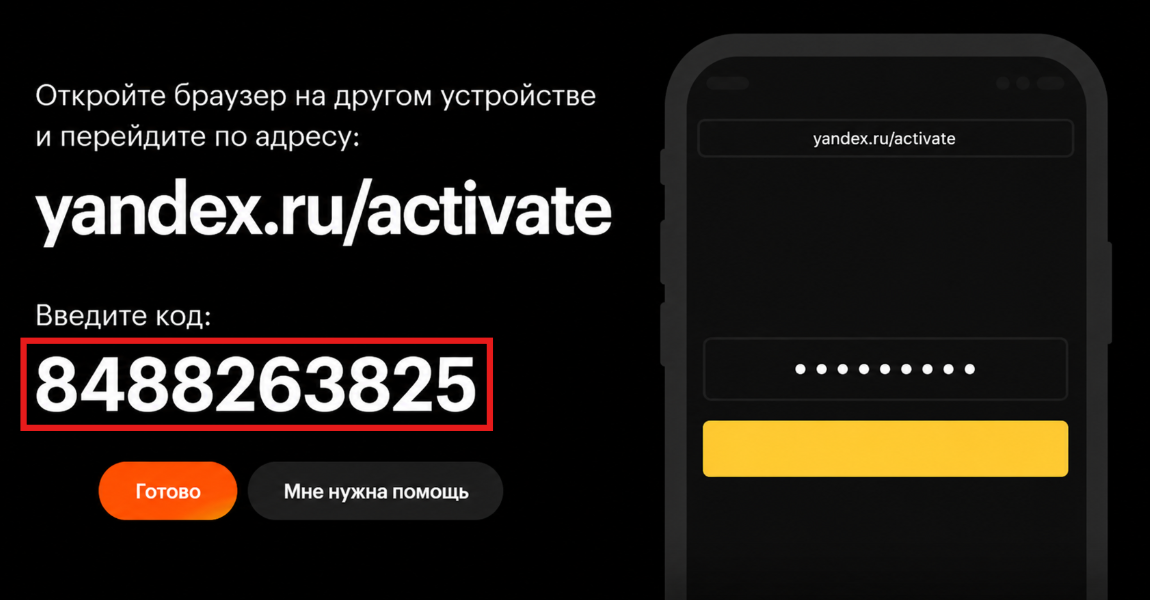
QR code and 6-digit activation Code will appear on your TV screen.

Open a web browser on your phone, tablet, or computer and go to mgmplus.com/activate.
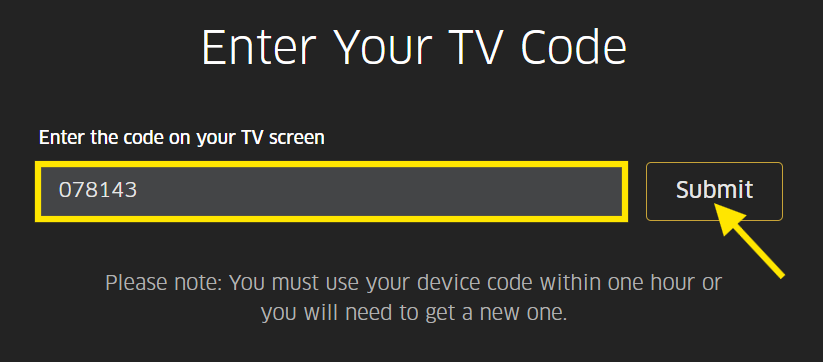
Enter the 6-digit code displayed on your TV, then click “Submit”.
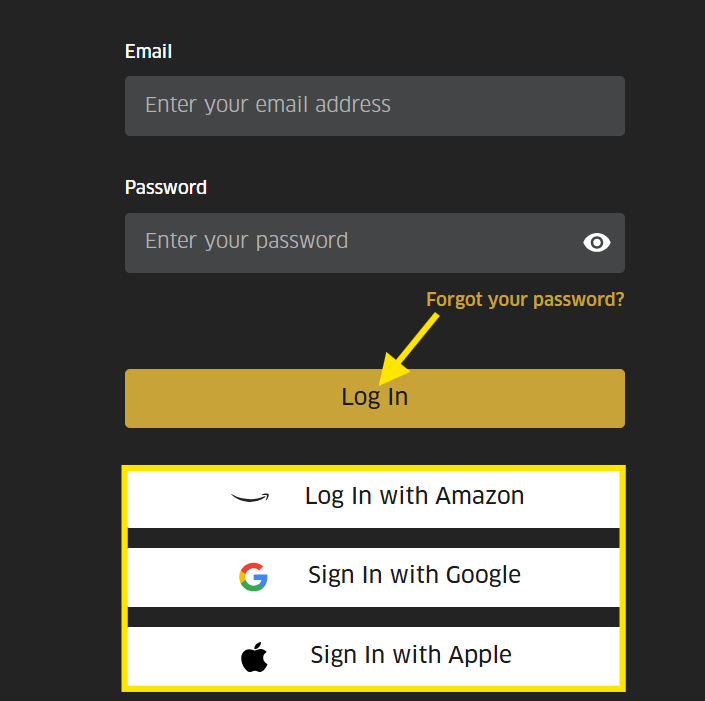
Enter your email and password, then click “Log in.” or sign in with Amazon, Google, Apple.
TV Schedule
Loading...
Loading StepsWoo