GAA+: How to Pair and Activate on TV
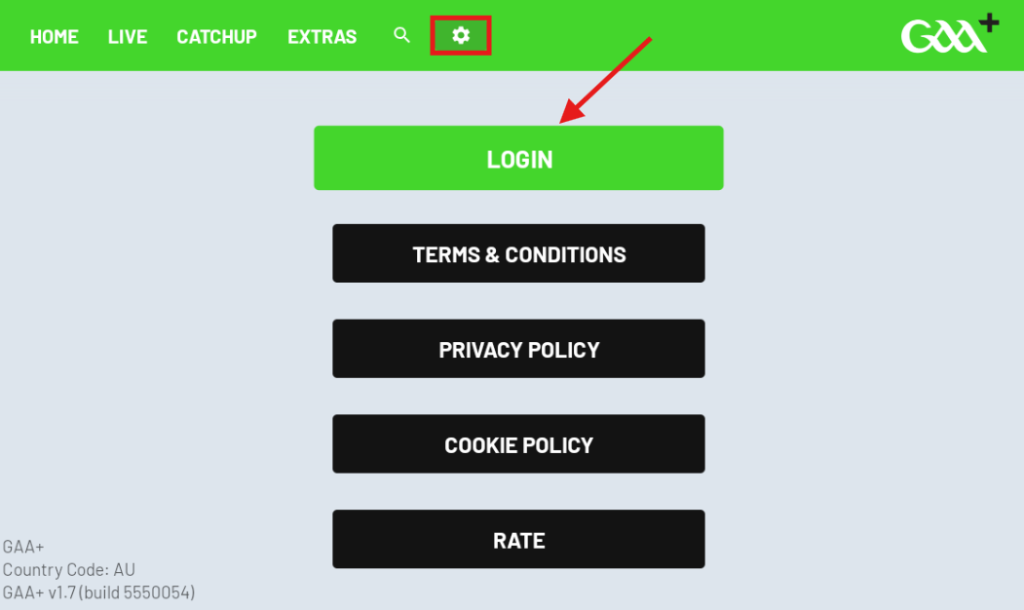
- Go to Settings then select “LOGIN” to sign in to your account.
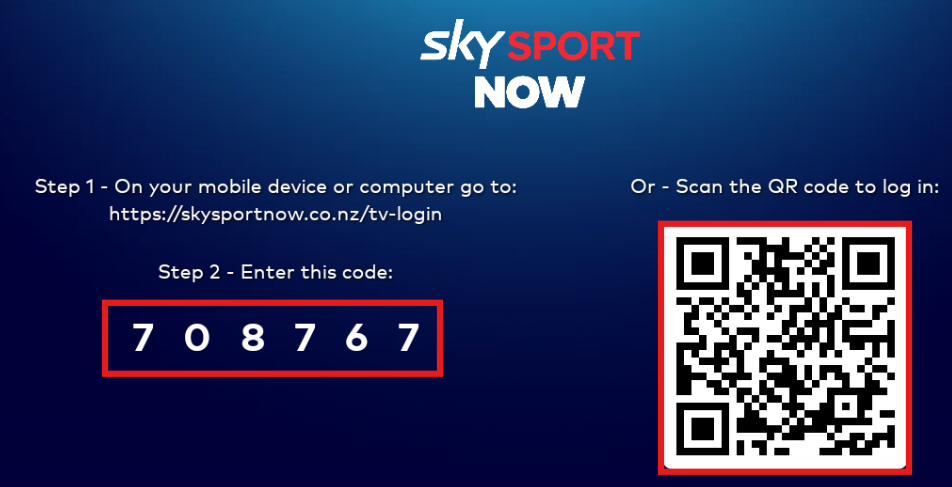
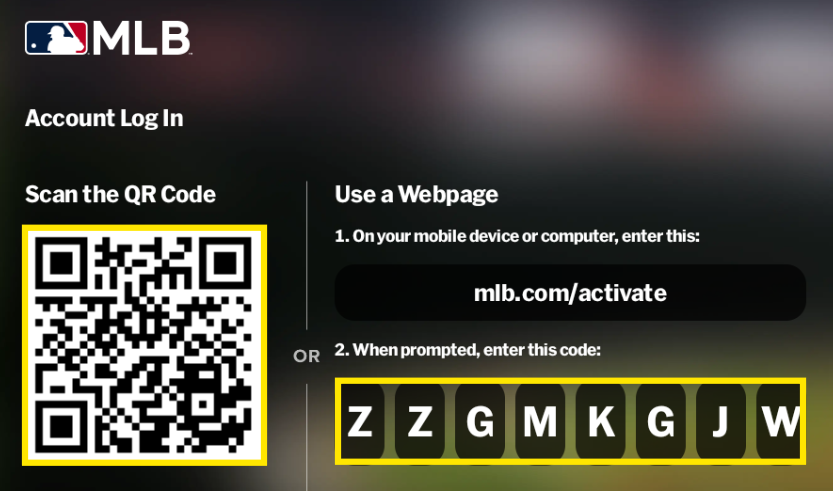
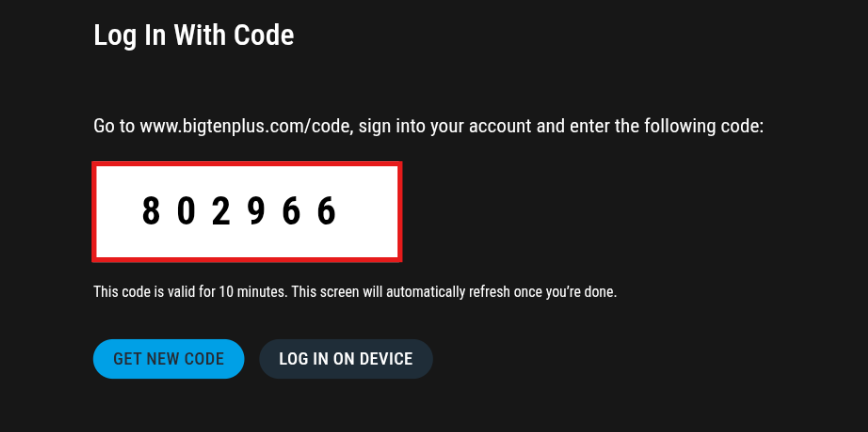
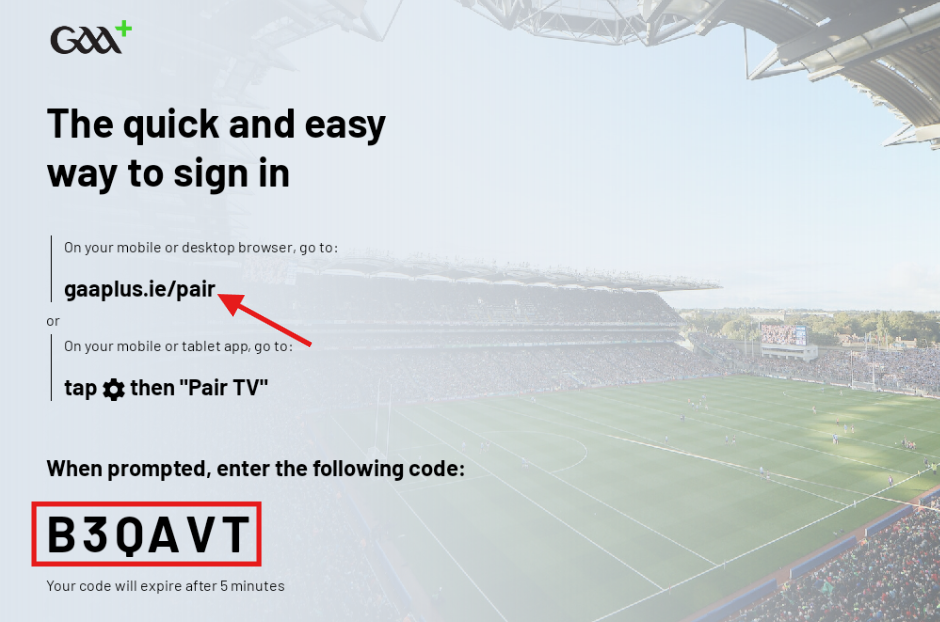
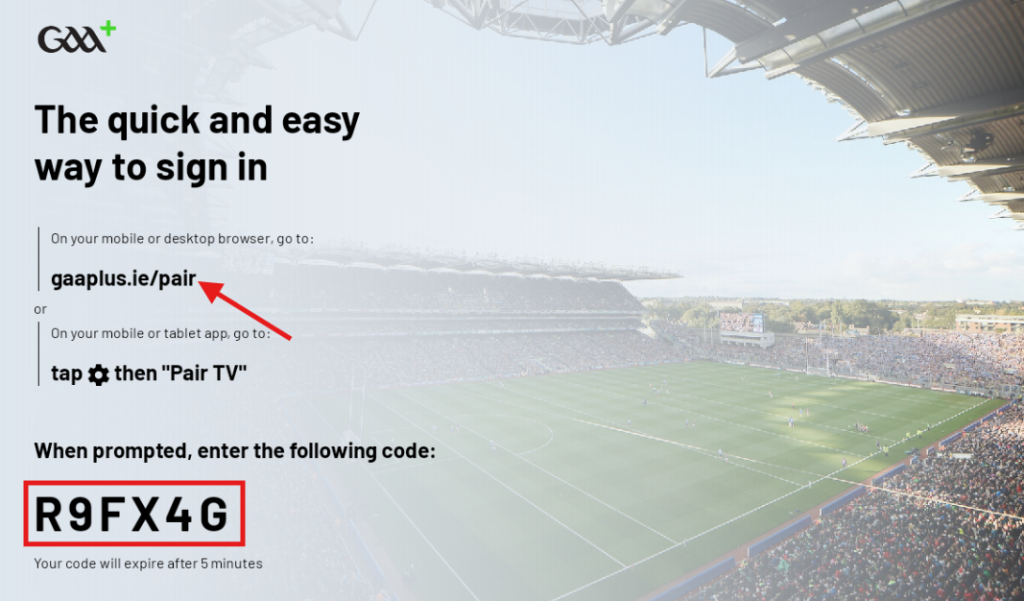
- 6-digit activation code will appear on your TV screen.
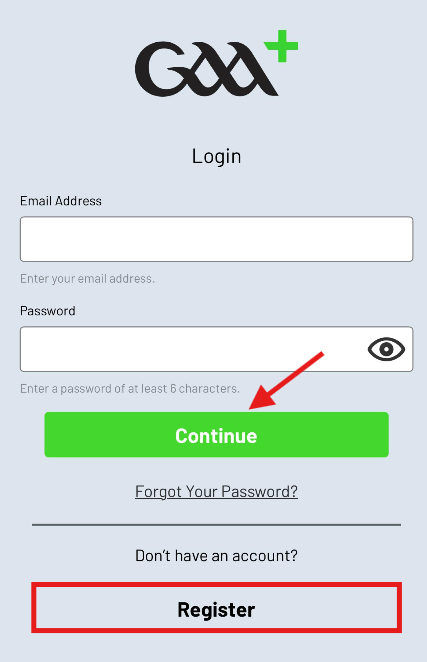
- Enter your email and password, then click “Login.” If you don’t have an account, click “Register.”
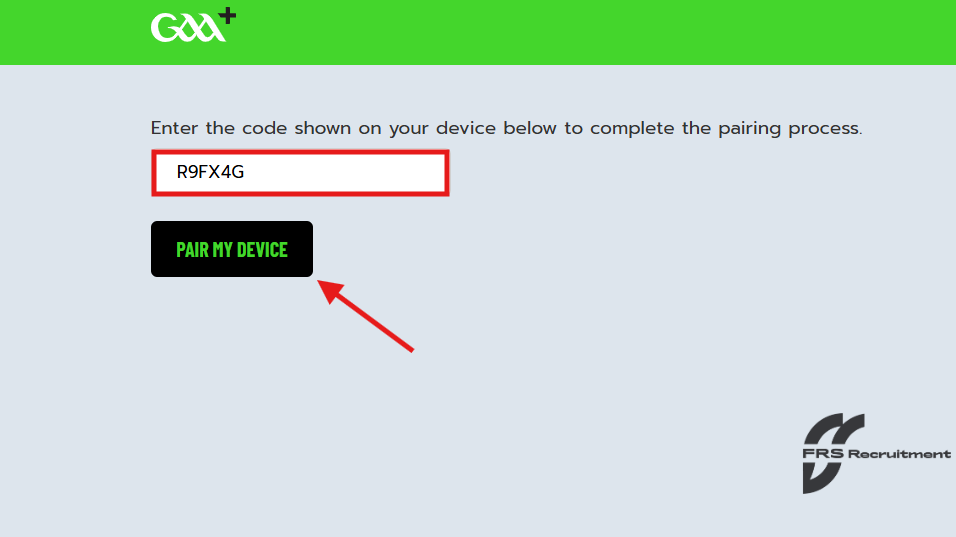
- Enter the 6-digit code displayed on your TV, then click “Pair My Device”.
TV Schedule
Loading...
Loading StepsWoo